Go to playground home.

Filter

This page lists improvements to the AWR Design Environment for filter designers.


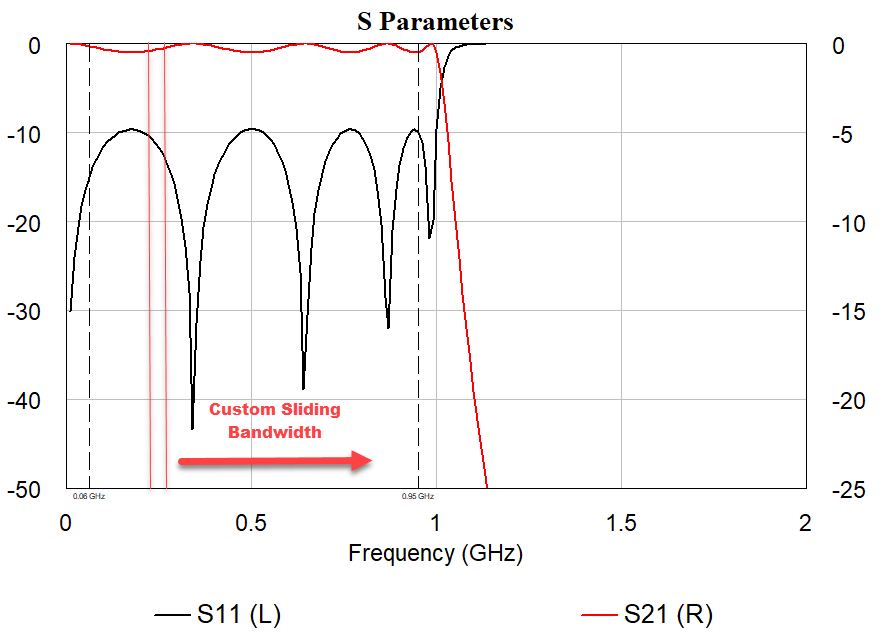
Efficiently Define Custom Ripple, or Other Sliding Window, Performance Specifications


Measure ripple of user-defined performance specifications

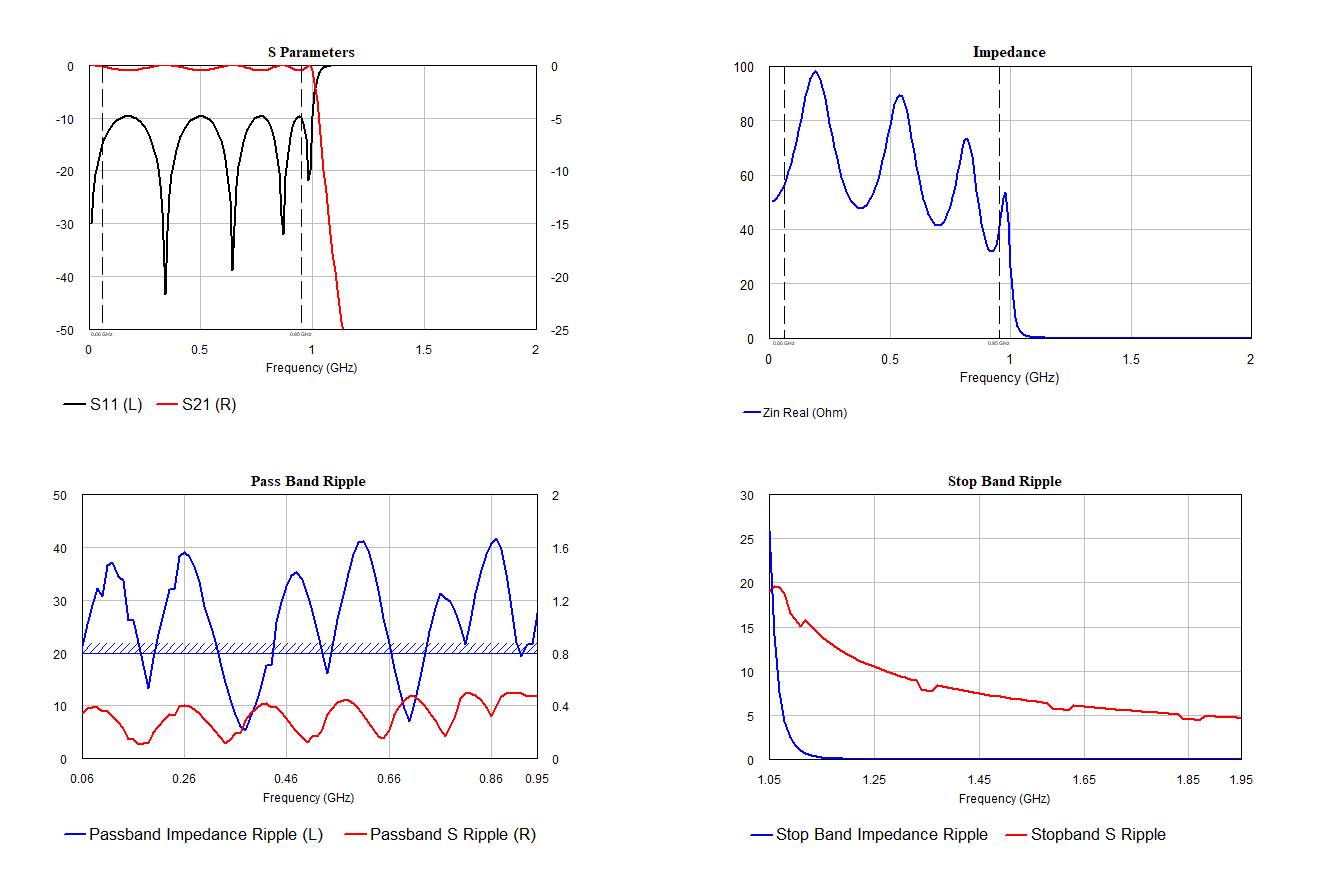
The project opens and displays filter performance.

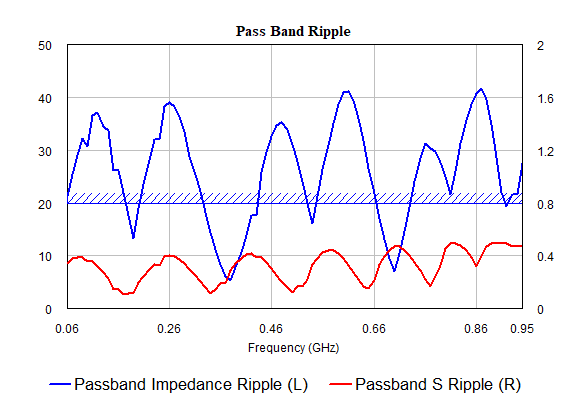
  1. Note the Pass Band Ripple measurements.
    • Both S-parameters and impedance ripple display.
  2. Open the "Filter Equations" output equations document.
    • Note the use of the deltawin() equation function to evaluate S-parameter and impedance ripple in a custom bandwidth.

Optimize Directly on Custom Ripple Specification

The optimizer window displays alongside the filter performance.

  1. Choose Random (Local) as the Optimization Method in the Optimizer window and click Start.
    • The filter parameters are optimized, resulting in filter performance metrics that meet the custom ripple specification.