Go to playground home.

Layout

This page lists improvements to the Layout Editor in the AWR Design Environment.


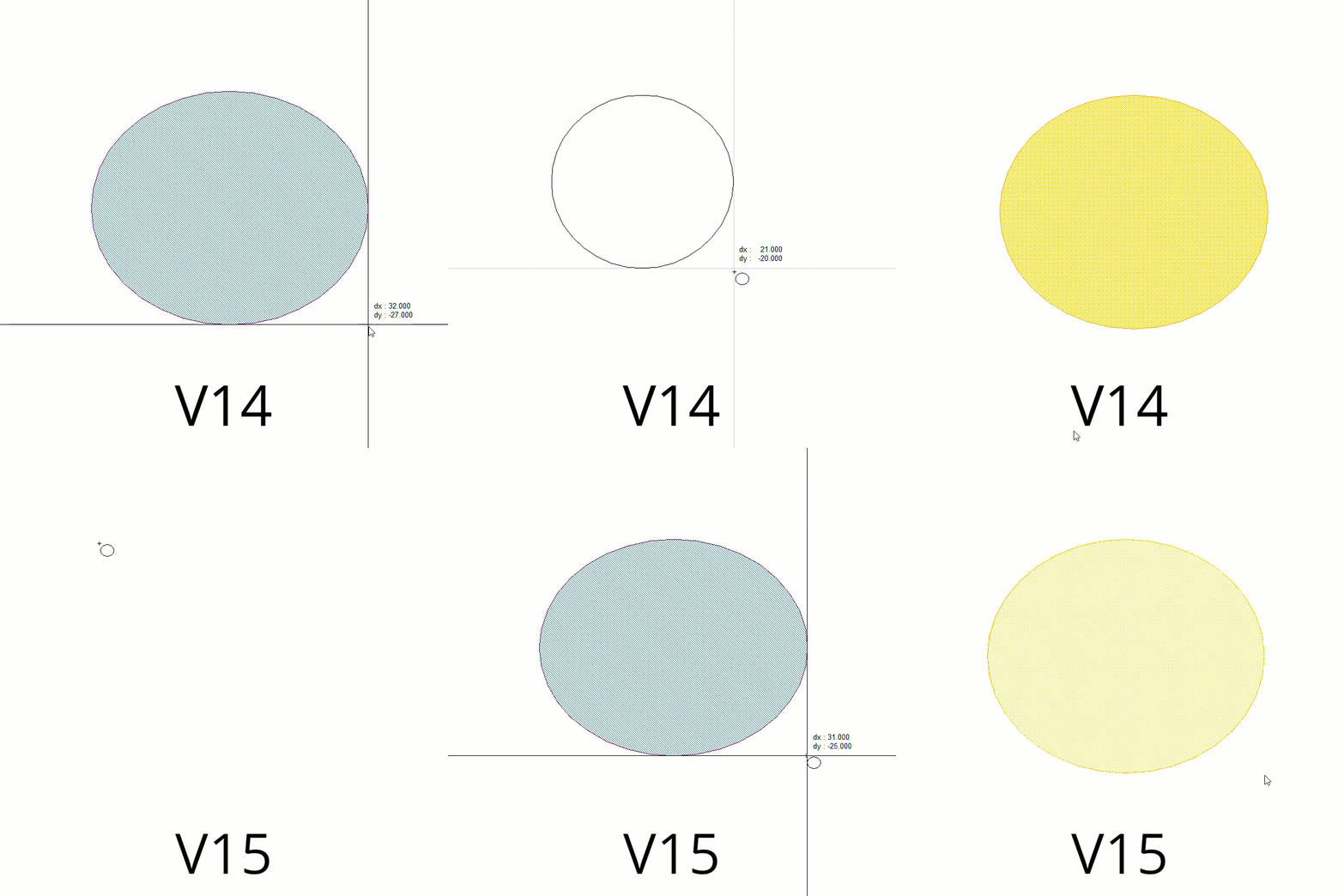
Replace Clicking-and-dragging with Two-click Data Entry Mode

This demo opens a layout playground.

License Requirements: Layout (MWO_XX5+)

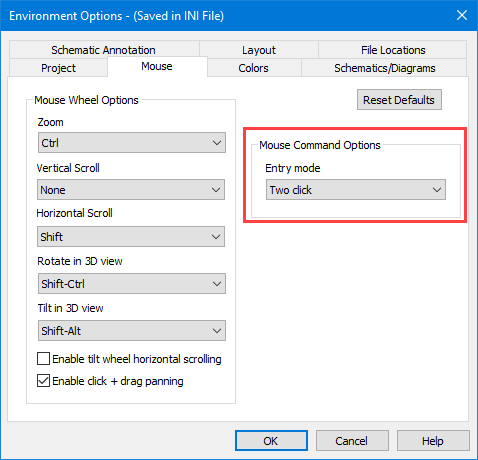
  1. Choose Options > Environment Options to open the Environment Options dialog box, then click the Mouse tab.
  2. Set the Entry mode to Two click.
  3. Mouse entry is now set to two-click mode; clicking and dragging is no longer required for layout entry.
  4. In the myLayout playground, draw various layout objects to practice two-click entry mode.
    • Choose Draw > Rectangle, Circle, Polygon, Path to draw the corresponding object.
  5. Two-click entry mode also works with commands that are intuitive with the mode such as View Area, Stretch Area, and adding cutouts.
  6. To revert the Entry mode simply change it back to Click and drag.

Reduce Layout Entry Errors with Full Color Layout Design Entry


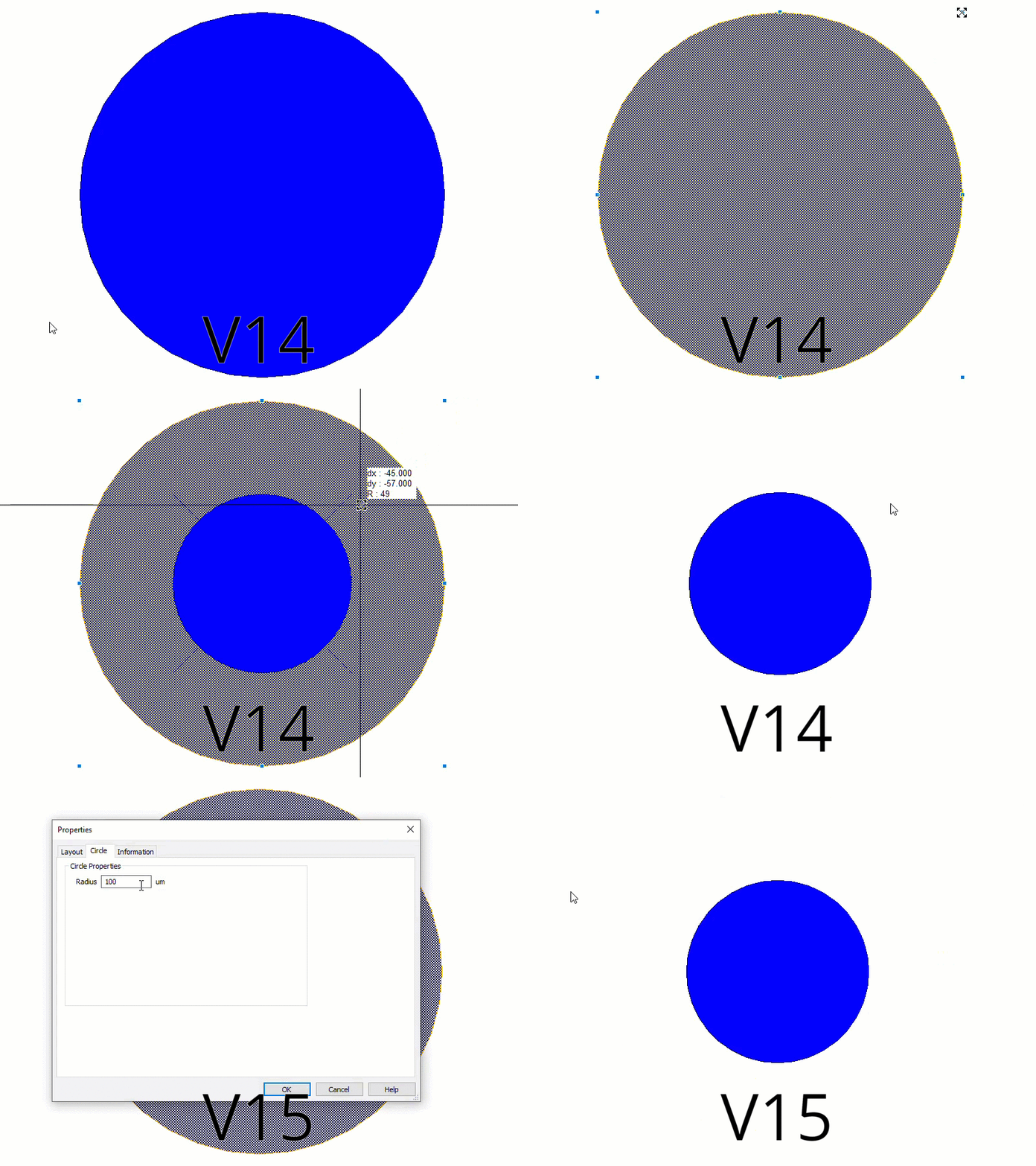
Resize Rectangles, Circles, and Ellipses with Properties Dialog Box Edits