This page lists improvements to measurement functionality in the AWR Design Environment.
Decipher Ambiguous Stability and Passivity Data with Measurement Tooltips
This demo opens the project and tiles the relevant graphs for viewing stability tooltips.
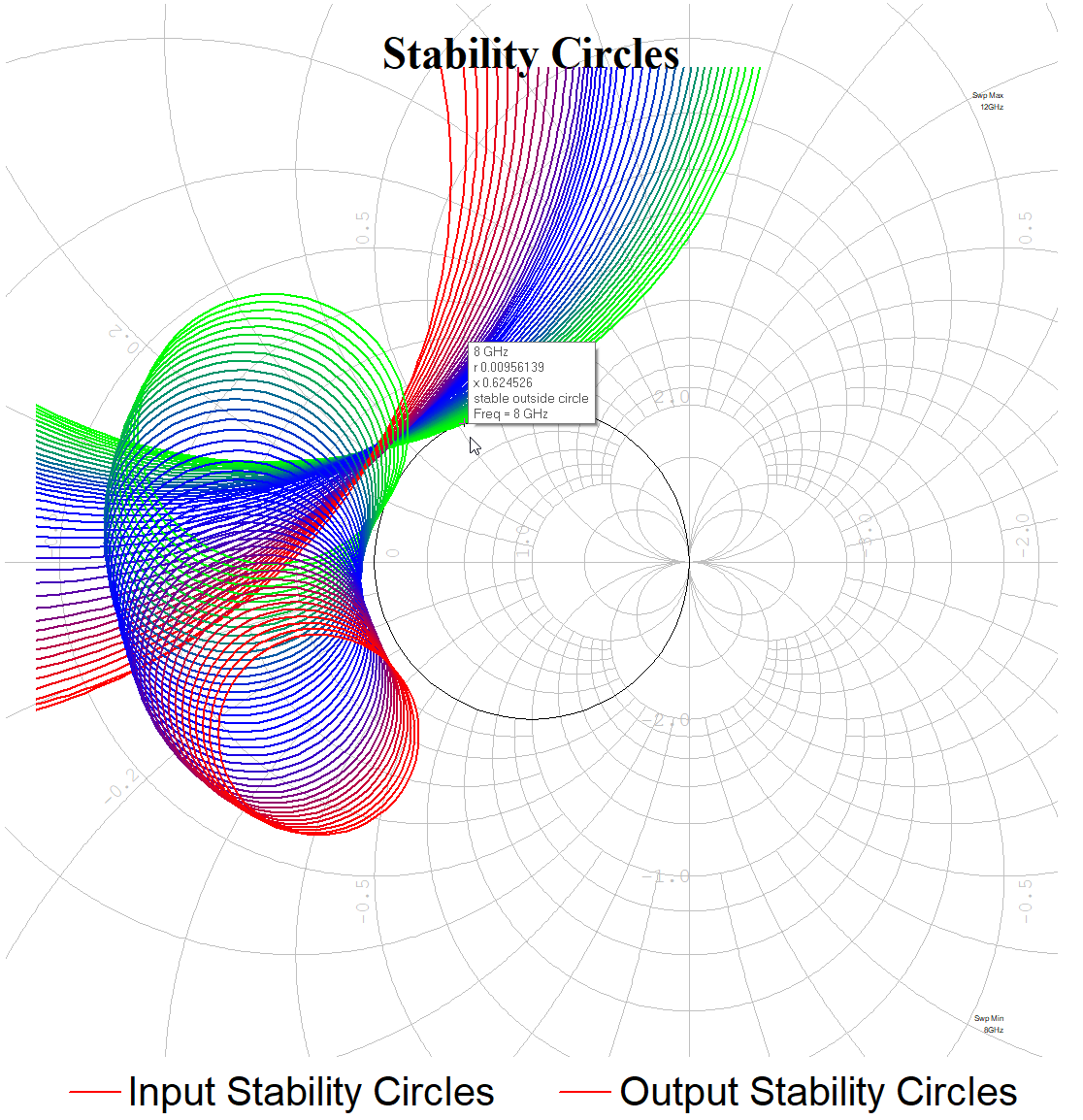
In the "Stability Circles" graph click on any of the stability circles.
The cursor tooltip displays relevant information about the selected circle, including if stability is inside or outside of the circle.
Open the "Passive" graph and click on the trace and move the cursor across frequency.
The cursor tooltip displays whether or not the structure is passive.
Re-use Test Benches for Single-ended and Differential Measurements
This demo opens the project and tiles the relevant graphs and test-benches for viewing mixed mode S-parameters.
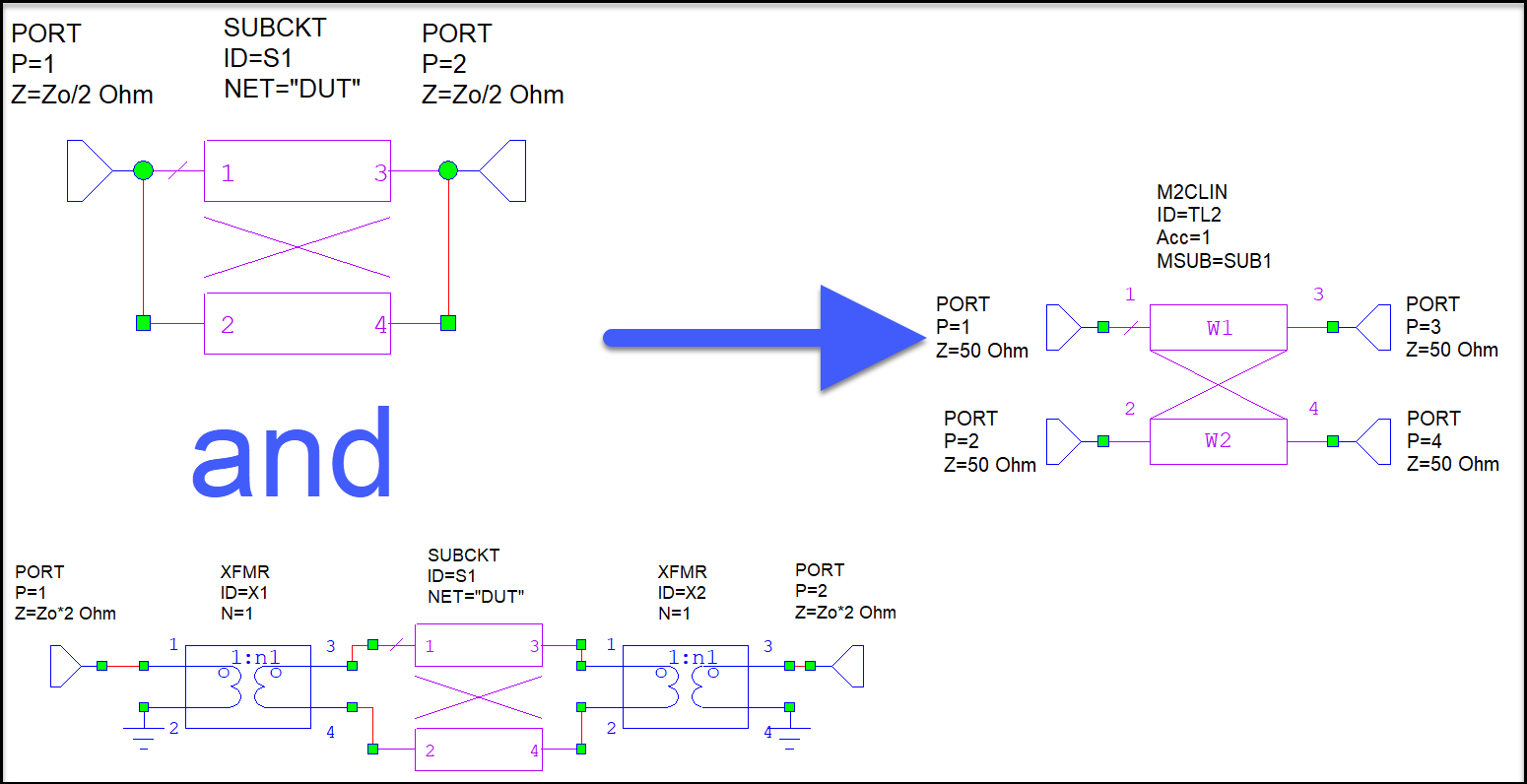
Three test-benches display. Prior to using the Smm measurement, multiple test-benches with XFMR or MMCONV elements were required to view both differential and common mode S-parameters.
The Smm measurement allows use of a single test-bench to analyze both differential and common mode S-parameters.
Notice that the Direct measurements both point to the DUT while the TB Required measurements point to their respective test-benches.
Open the "Common Mode Rejection Ratio" graph. The CMRR measurement allows the common mode rejection ratio calculation to be performed without the need for Output Equations.